
5 Simple Tech Tips for Seniors: Navigating Technology with Ease

Updated: Apr 6
1. Make Your Screen Easier to Read
One of the most common problems for seniors is small text on the screen. If the words are too small, it becomes hard to read messages, browse the internet, or answer calls. The first step is to make your device work for your eyes, not against them.
What You Can Do
Increase the text size.
Make icons bigger.
Turn up the screen brightness.
Use dark mode or light mode, depending on what feels easier.
Turn on zoom or magnifier tools.
Why This Helps
When the screen is easier to read, using your phone or tablet becomes less stressful. You will feel more confident because you can clearly see what you are pressing.
Example
Mary is 72 and finds it hard to read text messages from her daughter. She goes into her phone settings and makes the text larger. She also moves the Phone and WhatsApp apps to the front screen. Now she can read messages more easily and call family faster.
Simple Tip
If you're unsure about how to adjust these settings, you can ask a family member or a local tech helper to set it up for you. If no family member is available, a team member from Tech on Wheels can visit your location to assist you.
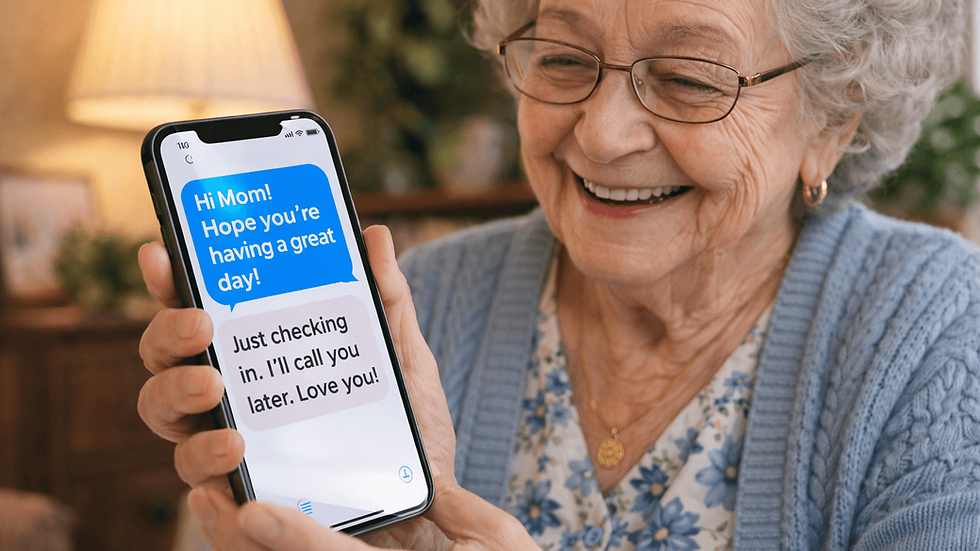
2. Learn One Easy Way to Talk to Family
For many seniors, the best part of technology is staying connected with family and friends. A phone or tablet can help you send messages, share photos, and make video calls without leaving home. But do not try to learn too many apps at once. It is better to learn one properly.
Good Options
WhatsApp
FaceTime
Messenger
Zoom
Regular phone calls with favourite contacts saved
What You Can Do
Save your close family in favourites.
Put your main calling app on the home screen.
Learn how to answer a video call.
Practice sending one message and one photo.
Keep a small note with the steps nearby.
Why This Helps
Staying in touch can help reduce loneliness and make you feel more connected. It also helps if you ever need support quickly.
Example
John is 68 and wants to see his grandson who lives in another city. His son installs WhatsApp and shows him how to answer a video call. At first, John feels nervous, but after trying it a few times, it becomes normal. Now he talks to his grandson every Sunday.
Simple Tip
Start with one person and one app. Keep it easy.
3. Stay Safe Online by Being Cautious with Unfamiliar Messages
Scams are everywhere now, and seniors are often targeted. You may get fake emails, fake text messages, or phone calls asking for money, passwords, or personal details. A good rule is this: slow down before you click.
Warning Signs to Watch For
A message says you must act right now.
Someone asks for your password or bank details.
A text says you won a prize you never entered.
An email looks strange or has spelling mistakes.
A caller asks for payment or remote access to your computer.
What You Should Do
Do not click unknown links.
Do not open strange attachments.
Never give passwords to anyone.
Check with someone you trust if you are not sure.
Use strong passwords.
Turn on two-step verification where possible.
Why This Helps
One wrong click can cause stress, money loss, or account problems. A few safe habits can protect you.
Example
Susan gets a text saying her parcel is waiting and she must click a link to pay a small fee. She is expecting a parcel, so the message feels real. But instead of clicking, she asks her daughter to check it first. The message is fake. By stopping for one minute, she avoids a scam.
Simple Tip
If something feels urgent, scary, or too good to be true, stop first.
4. Keep Your Device Clean and Simple
Many devices become hard to use because there is too much on the screen. Too many apps, too many notifications, and too many pop-ups can make everything confusing. A simple device is easier to use.
What You Can Do
Remove apps you never use.
Keep only your important apps on the home screen.
Turn off notifications you do not need.
Delete old junk emails.
Keep your charger in one regular place.
Restart your phone or tablet once in a while.
Why This Helps
When your device is clean and organised, it feels calmer. You spend less time getting confused and more time doing what you actually need.
Example
Peter has 5 pages of apps on his phone, but he only uses Phone, Messages, Camera, YouTube, and Weather. His grandson helps move those apps to the first screen and removes some unused ones. Now Peter does not feel lost each time he unlocks the phone.
Simple Tip
Think of your device like your kitchen. If it is full of things you do not use, it becomes harder to find what you need.
5. Write Down the Steps for Things You Use Often
A very simple but powerful habit is writing down steps for common tasks. This helps a lot, especially when apps update or when you do not use a feature every day. You do not need to remember everything.
Good Things to Write Down
How to answer a video call.
How to connect to Wi-Fi.
How to send a photo.
How to turn the volume up.
How to open email.
How to restart your device.
Why This Helps
Written notes give you confidence. Instead of feeling stuck, you can follow your own simple guide.
Example
A senior learns how to connect their phone to home Wi-Fi but forgets the steps a week later. So they write it down in a notebook:
Open Settings.
Tap Wi-Fi.
Choose home network.
Enter password.
Press Connect.
Now the next time the phone disconnects, they do not panic. They just follow the steps.
Simple Tip
Keep a small notebook with your notes close to your device, or attach a brief instruction card near your desk. If you need assistance, a Tech On Wheels team member can come to help you in Hamilton. You can also find more information about our service on our network service page.
Bonus Tip: Ask for Help Without Feeling Embarrassed
A lot of seniors feel shy asking for tech help. But there is nothing wrong with asking. Technology changes fast, and many younger people also get confused. The important thing is to ask someone patient.
Good People to Ask
A family member.
A trusted friend.
A local tech support person.
A community centre.
A local library or senior group.
Example
A senior cannot work out why the TV is not showing YouTube anymore. Instead of getting frustrated for hours, they ask a local IT support person to visit and explain it in simple steps. The problem gets fixed faster, and they learn something new.
Final Thoughts
Technology should simplify life, not complicate it. Therefore, take a look at the top 5 simple tech tips for seniors with care. You do not need to become an expert. You only need to learn the parts that help in everyday life. Start small. Make the text bigger. Learn one way to call family. Be careful with strange messages. Keep your device simple. Write down the steps you need.
That is enough to build real confidence. With the right help and simple guidance, seniors can enjoy technology and feel more independent every day. You are not too old to learn tech. You just need the right steps, explained in a simple way.
FAQ Section
What is the easiest technology for seniors to start with?
A smartphone or tablet is often the easiest place to start. It can help with calling, messages, photos, and video chats all in one device.
How can seniors make a phone easier to use?
Seniors can make a phone easier to use by increasing text size, moving important apps to the home screen, turning up volume, and removing apps they do not need.
What are the most useful apps for seniors?
Useful apps for seniors include WhatsApp, FaceTime, Messenger, YouTube, Google Maps, and weather apps. The best choice depends on what the person uses most.
How can seniors stay safe online?
Seniors can stay safe online by not clicking strange links, not sharing passwords, using strong passwords, and asking someone they trust if a message looks suspicious.
Why do seniors need simple tech support?
Simple tech support helps seniors feel less stressed and more confident. Clear steps and patient help make a big difference.


